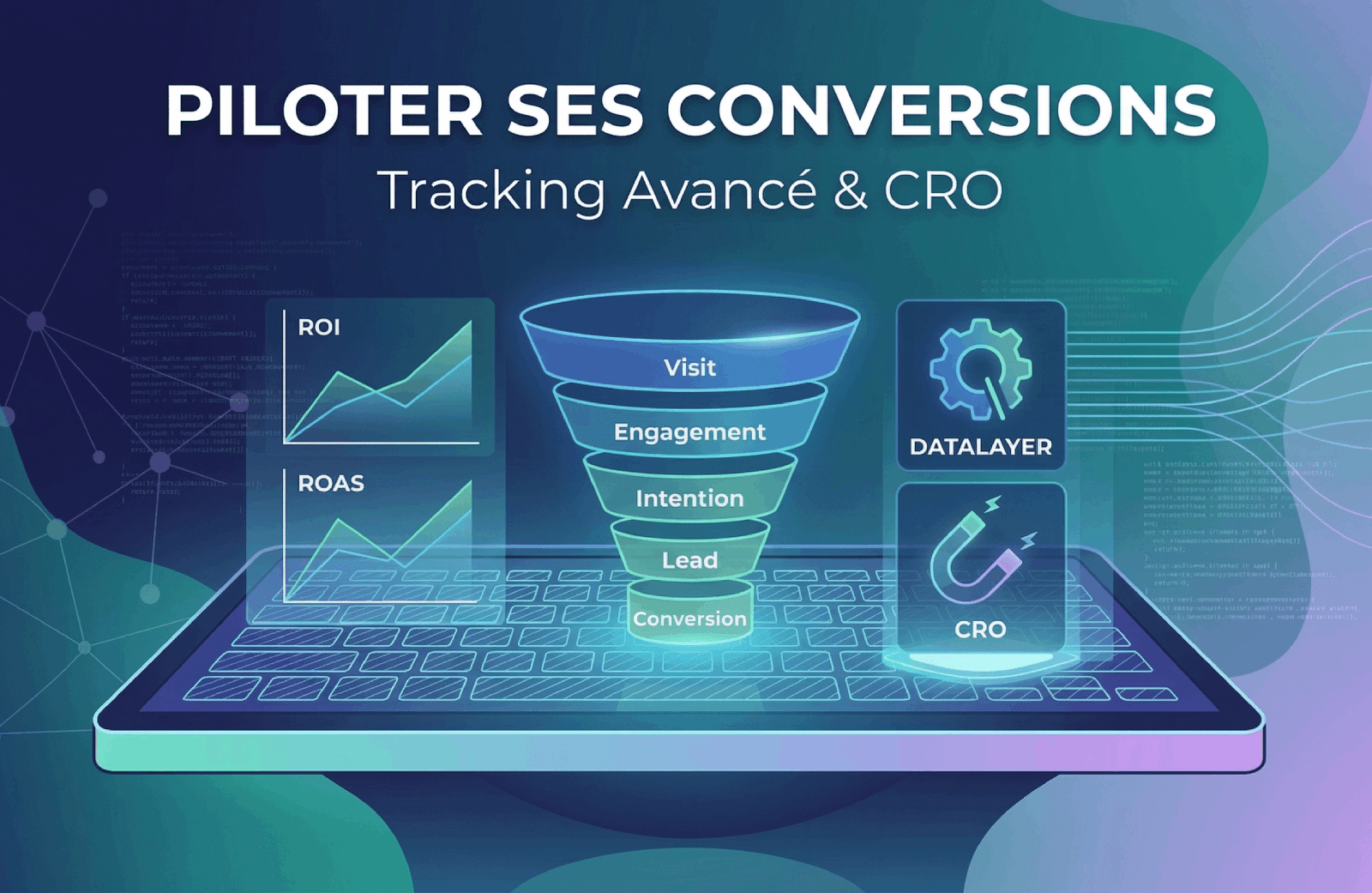
Measure. Understand. Optimize.
From DataLayer to ROI: the complete strategy
Most businesses have Google Analytics installed on their website. Very few actually leverage their data to optimize conversions. Having GA4 doesn't mean driving performance — it's like having a Ferrari dashboard without looking at the speedometer.
This guide covers the entire chain: from the DataLayer to ROI reporting, through ad pixels, conversion funnels, and CRO (Conversion Rate Optimization). Illustrated by our partnership with Wafasalaf since 2018.
1DataLayer & GTM: The Foundation of Serious Tracking
Core Principle
The DataLayer is the single source of truth. It's a structured JavaScript data layer that centralizes all trackable information. Google Tag Manager (GTM) reads the DataLayer and distributes data to various tags (GA4, Meta Pixel, Google Ads...) without touching the source code.
❌ Without DataLayer
- • Tags hardcoded in HTML
- • Every change = production deployment
- • Inconsistent data between GA4 and pixels
- • Impossible to debug properly
- • Marketing depends on developers
✅ With DataLayer + GTM
- • Centralized and documented data structure
- • Deploy new tags without code changes
- • Identical data sent to all platforms
- • Preview mode for testing before publishing
- • Full marketing team autonomy
// Example: loan simulation form submission
window.dataLayer = window.dataLayer || [];
window.dataLayer.push({
  event: 'form_submit',
  form_name: 'loan_simulation',
  form_step: 'complete',
  product_type: 'consumer_credit',
  loan_amount: 50000,
  loan_duration: 48,
  currency: 'MAD'
});

// GTM captures this event and distributes it:
// → GA4: "generate_lead" event
// → Meta Pixel: "Lead" event with value
// → Google Ads: "simulation_completed" conversion
// → LinkedIn: conversion tracking
Recommended Event Taxonomy (GA4)
Standard Events
page_view— Page viewgenerate_lead— Form submissionpurchase— Completed transactionbegin_checkout— Checkout start
Custom Events
simulation_started— Simulator launchedsimulation_completed— Simulation finishedcta_click— CTA clickscroll_depth_75— 75% scroll depth
2Pixels & Ad Platforms
Tracking doesn't stop at GA4. Each ad platform needs to receive conversions to optimize its delivery algorithm. Without conversion data, your campaigns are running blind.
Meta Pixel + Conversions API
Facebook, Instagram, Messenger
- • Browser-side Pixel: standard events (Lead, Purchase, InitiateCheckout, CompleteRegistration)
- • Conversions API (CAPI): server-to-server for iOS 14.5+ and ad blocker resilience
- • Custom Conversions: tailored conversions (e.g., "loan simulation completed")
- • Deduplication: shared event_id between Pixel and CAPI to avoid duplicates
Google Ads + Enhanced Conversions
Search, Display, YouTube, Performance Max
- • Conversion Tag via GTM: primary and secondary conversion tracking
- • Enhanced Conversions: hashed first-party data (email, phone) for better matching
- • GA4 → Google Ads link: import GA4 audiences and conversions
- • Offline Conversions: upload in-branch sales to optimize bidding on real customers
TikTok Pixel + Events API
TikTok Ads
- • Rapid growth in Morocco, especially in financial services and retail
- • Events: SubmitForm, CompleteRegistration, PlaceAnOrder
- • Events API (CAPI equivalent) for server-side tracking
LinkedIn Insight Tag
LinkedIn Ads
- • Ideal for B2B: partnerships, brokers, institutional clients
- • Conversion tracking + retargeting audiences
- • Matched Audiences: targeting by company, role, industry
// One DataLayer push → GTM distributes to all pixels

dataLayer.push({
  event: 'generate_lead',
  lead_source: 'loan_simulation',
  lead_value: 50000,
  currency: 'MAD',
  user_email_hash: 'sha256(...)',  // for Enhanced Conversions
  user_phone_hash: 'sha256(...)'
});

// GTM automatically fires:
// ✅ GA4 → event "generate_lead" (value: 50000, currency: MAD)
// ✅ Meta Pixel → fbq('track', 'Lead', {value: 50000, currency: 'MAD'})
// ✅ Google Ads → gtag('event', 'conversion', {send_to: 'AW-xxx/yyy'})
// ✅ TikTok → ttq.track('SubmitForm', {value: 50000, currency: 'MAD'})
// ✅ LinkedIn → lintrk('track', { conversion_id: 12345 })3Mapping the Conversion Funnel
A funnel models the user journey in measurable steps. The goal: identify where you lose the most people and why.
Site arrival (SEO, Ads, Social)
Scroll, click, content interaction
Simulator, configurator, add to cart
Form submitted, contact request
Sale, subscription, confirmed appointment
Case Study: Wafasalaf
VOID partner since 2018 — Consumer credit
Wafasalaf operates a mobile-first transactional platform (wafasalaf.ma and client portal) enabling users to simulate and apply for loans online. By instrumenting the entire journey with a structured DataLayer and GTM, we identified the steps where the funnel lost the most volume and prioritized optimizations.
Approach: Simulation Funnel Tracking
Arrival on credit page (SEO, Ads, Social)
Click on simulation CTA
Amount, duration, monthly payment filled in
Contact details and supporting documents
Request sent for processing
Funnel data analysis identified key friction points (CTA visibility on mobile, field count, lack of trust signals) and helped prioritize CRO efforts. Optimizations led to a significant improvement in simulator completion rate, a notable reduction in bounce rate, and better ad campaign profitability.
4CRO: From Analysis to Action
CRO (Conversion Rate Optimization) transforms tracking data into concrete actions. The goal: increase conversion rates without increasing ad spend.
Heatmaps & Recordings
Understand actual user behavior, not what you imagine.
- • Click zones (click maps)
- • Scroll depth
- • Session recordings
- • Rage clicks and dead clicks
Tool: Microsoft Clarity (free)
A/B Testing
Test hypotheses with statistical rigor before deploying.
- • Sufficient sample size
- • Statistical significance (>95%)
- • One variable per test
- • Minimum duration: 2 weeks
Tools: VWO, AB Tasty, Optimizely
Form Optimization
Forms are the #1 friction point. Every field removed = more conversions.
- • Reduce field count
- • Multi-step progression
- • Real-time validation
- • Trust signals
Typical impact: +20 to +50% completion
CRO Example: Optimizing a Multi-Step Form
Before optimization
- • All fields on a single page
- • No progress bar
- • Validation only on submit
- • No recap before sending
- • Completion rate low
After optimization
- • Split into 3 short steps
- • Visible progress bar
- • Instant inline validation
- • Recap + trust signals before submit
- • Completion rate significantly improved
5Audiences & Intelligent Remarketing
Tracking isn't just for measurement. It enables building granular audiences for ultra-targeted remarketing: only re-engage people who showed strong intent.
Funnel-Based Audiences
Product page visitors
Awareness ads (video, carousel)
Simulation starters (not completed)
Remarketing with direct CTA to simulator
Simulation done, form not submitted
Remarketing with trust signals + testimonials
Qualified lead (form submitted)
Lookalike / Similar Audiences for acquisition
Offline Conversions: The Missing Link
In financial services, leads arrive online but final conversion often happens in-branch. By uploading offline conversions (actual sales) into Google Ads and Meta, Smart Bidding can optimize for real customers, not just submitted forms. That's what takes ROAS from 2x to 5x.
6Cross-Channel Attribution: The Truth About Your Conversions
A user sees an Instagram ad, clicks a Google result the next day, and converts 3 days later via a direct search. Who gets the credit? The answer changes everything about your budget allocation.
Why the Numbers Never Match
- • Meta claims conversions over 7-day post-click + 1-day post-view
- • Google Ads claims over 30-day post-click by default
- • GA4 uses data-driven attribution (DDA) over 90 days
- • Result: sum of platform conversions > actual conversions
The Right Approach
- • GA4 as single source of truth for conversions
- • Rigorously applied UTMs across all campaigns
- • Data-Driven Attribution in GA4 (machine learning)
- • Monthly comparison: GA4 vs each platform to detect discrepancies
Recommended UTM Convention
# Consistent UTM structure for all campaigns

?utm_source=meta          # Platform (meta, google, tiktok, linkedin, email)
&utm_medium=paid_social   # Type (paid_social, cpc, display, email, organic)
&utm_campaign=consumer_credit_q1_2026    # Campaign name
&utm_content=video_testimonial_v2        # Creative variant
&utm_term=quick_loan_morocco             # Keyword (Google Ads)

# Best practices:
# ✅ All lowercase
# ✅ Underscores (no spaces or dashes)
# ✅ Documented and shared naming convention
# ❌ No UTMs on internal traffic (distorts data)
7Reporting & Alerts
Data is useless if nobody looks at it. Good reporting means a dashboard reviewed every week and alerts that warn before things break.
Operational Dashboard (Looker Studio)
- • Real-time KPIs: sessions, leads, conversions, revenue
- • Funnel visualization: pass-through rate per step
- • Performance by channel: SEO vs Paid vs Social vs Direct
- • Period comparison: vs previous week/month
- • Cost per lead by source (Google Ads, Meta, organic)
Automated Alerts
- • Conversion drops: GA4 Custom Insights (-30% vs previous period)
- • Broken tags: pixel no longer firing (GTM monitoring)
- • Budget exhausted: Google Ads / Meta alert when budget > 80%
- • Traffic anomaly: unusual spike or drop
- • GTM governance: modification history, controlled access
Tracking Breaks Silently
A tag accidentally deleted, a DataLayer modified after a production release, a pixel that stops firing after a consent change... Without monitoring, you can lose weeks of data without knowing. Set up GA4 alerts for abnormal conversion drops and a GTM publication validation process.
8Recommended Stack
| Layer | Tool | Free |
|---|---|---|
| TMS | Google Tag Manager | ✅ |
| Analytics | GA4 + BigQuery | ✅ |
| Ads | Meta Pixel + CAPI | ✅ |
| Ads | Google Ads Tag | ✅ |
| Heatmaps | Microsoft Clarity | ✅ |
| A/B Test | VWO / AB Tasty | 💰 |
| Dashboard | Looker Studio | ✅ |
| Consent | Cookiebot / Axeptio | 💰 |
9Checklist: Where to Start
- Audit existing tagging plan
- Define macro and micro conversions
- Document UTM convention
- Implement DataLayer
- Deploy GTM + GA4 with Enhanced Conversions
- Install Meta Pixel + CAPI
- Configure funnels in GA4
- Create remarketing audiences
- Set up Looker Studio dashboard
- Install Clarity (heatmaps)
- Launch first A/B test on main form
- Configure monitoring alerts
- Weekly dashboard review
- A/B test iterations
- Upload offline conversions (if applicable)
Is Your Tracking Up to Par?
At VOID, we don't just "do tracking". We build a data strategy that drives business performance. From DataLayer to dashboard, through pixels and CRO.